
Spend a little time making content these days and you’ll eventually hit the same wall everyone else does: what on earth is the “right” video orientation? One project needs a vertical teaser for TikTok, the next wants a standard landscape clip for a website, and suddenly you’re juggling aspect ratios like it’s part of the job description. It’s become one of those small-but-constant decisions creators deal with daily.
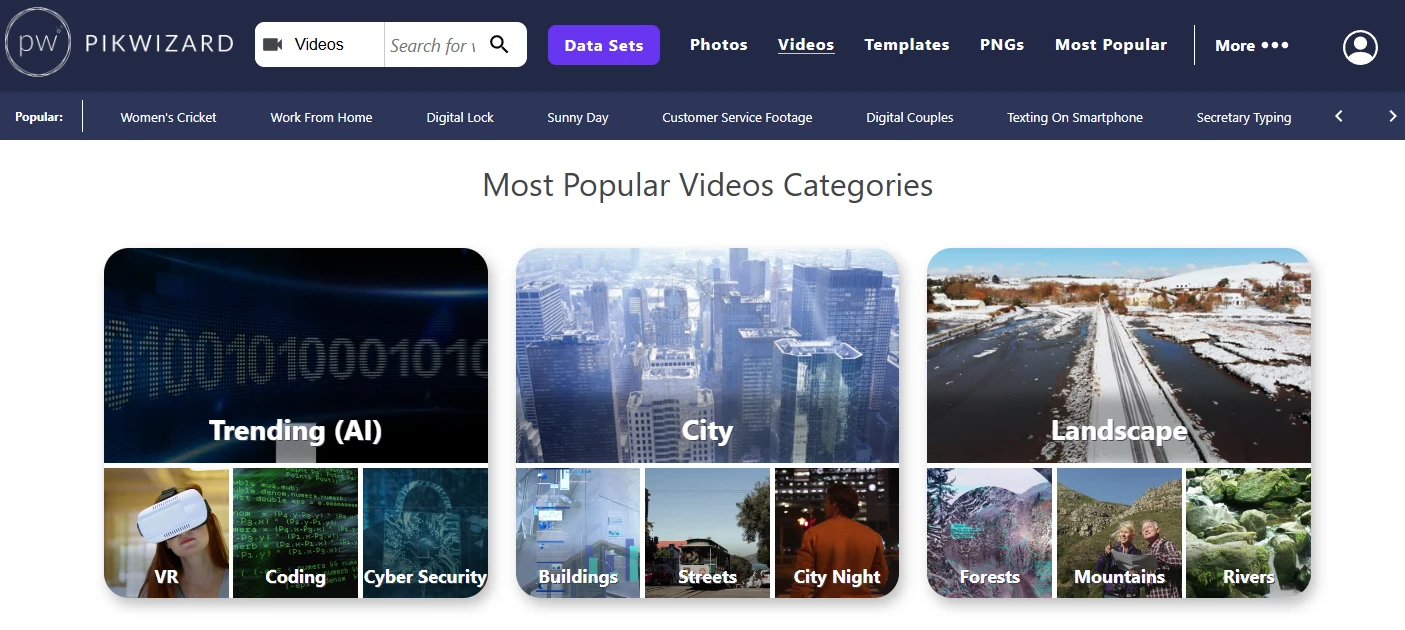
I noticed the difference most clearly when I started browsing stock footage and saw how much of it is now offered in vertical formats. Pikwizard Free Videos Library is a good example — some clips are already tailored for 9:16, while others are wide enough to crop into whatever shape you need. It’s a reminder that format isn’t just a technical detail anymore; it shapes how your content feels, where it can live, and who ends up seeing it.
Vertical Took Over for a Reason
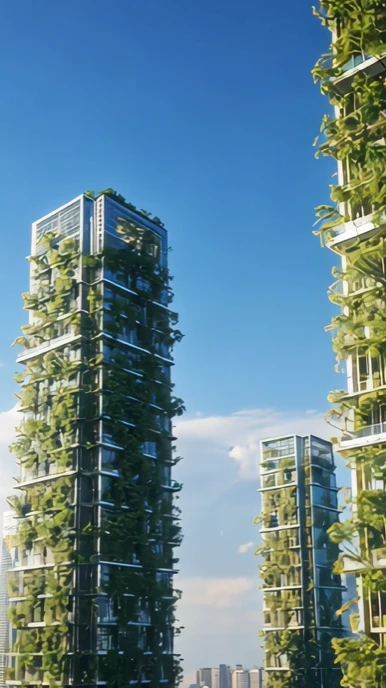
There was a time when vertical video felt like a mistake—something someone recorded because they forgot to rotate their phone. Now it’s the default. TikTok basically built its empire on the 9:16 frame, and Reels and Shorts followed the same path. When you fill someone’s whole screen, they pay attention. There’s no sideways rotation, no gaps on the side of the frame, no sense that the viewer is “watching a video.” It feels more like the video is right there with them.
And for creators, that matters. If you’re publishing on fast-moving platforms, you almost have to think vertically first. The good news is that stock libraries have kept up. Pikwizard includes plenty of footage that already fits the vertical flow, which saves you from awkward reframing and the old “crop until the subject disappears” problem.
But Horizontal Is Still the Professional Standard
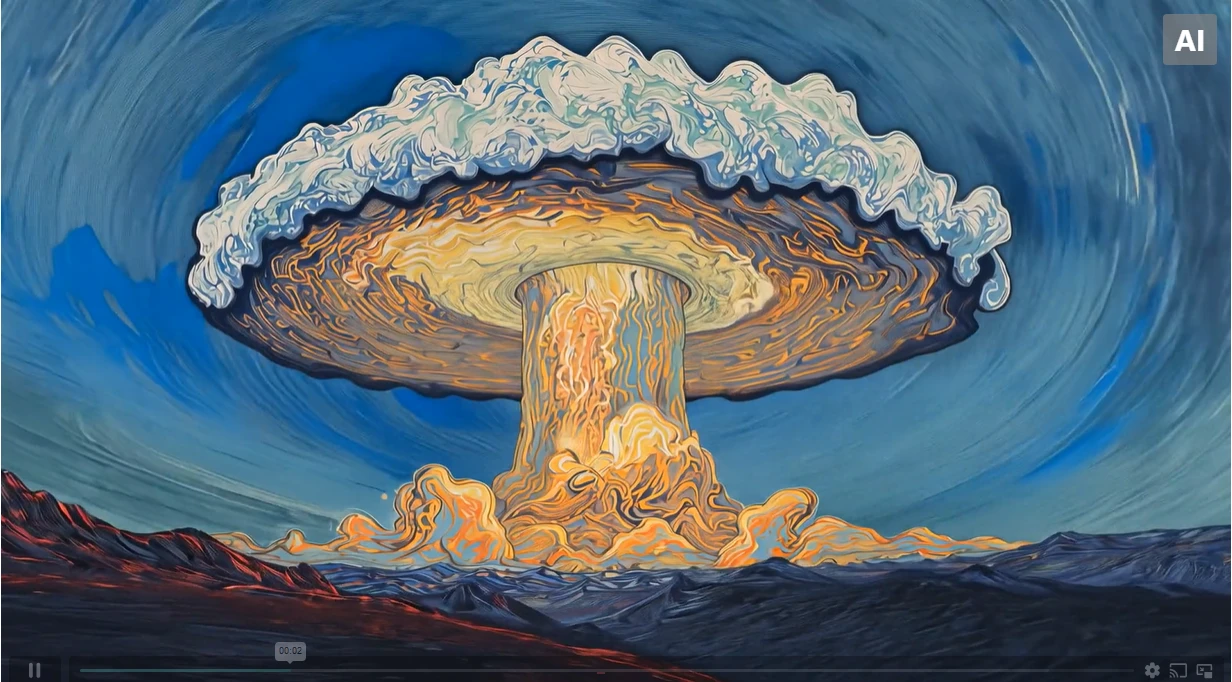
Even with vertical dominating feeds, horizontal hasn’t lost its place. If anything, it’s become more important in the contexts where viewers expect a polished look. Websites still favor landscape video because it sits comfortably alongside text and images. Longer YouTube videos look and feel awkward in vertical. Interviews, wide shots, product demos—most of them breathe better when they have more space side-to-side.
So you end up with this two-lane world: vertical for discovery, horizontal for depth. Most creators don’t pick one lane. They bounce back and forth because different parts of their audience live in different places.
When You Should Start With Vertical Footage
It’s a little easier to decide when you think about where your video will be watched first. If your main goal is anything in the TikTok/Reels/Shorts family, vertical should be your starting point—no hesitation. Not only does it look native to the platform, it also helps you avoid spending time fixing footage that was never meant for a tall frame.
Vertical-first makes sense when:
- Your message needs to land quickly
- The subject is close-up or centered
- You want the viewer to feel pulled into the shot
- You’re cutting a teaser or highlight clip
This is where having stock video that’s already designed for the format makes life much easier.
When Horizontal Footage Gives You More Flexibility
Horizontal clips shine when you have more pieces to include—graphics, wider scenes, product tables, multiple speakers. If you know the video will end up on a website or YouTube, starting wide gives you extra breathing room. And if you’re planning to crop down for vertical afterward, a high-resolution horizontal clip can act like a safety net. You can move the crop window around until everything lines up.
Some of the most flexible footage I’ve used came from Pikwizard because the composition wasn’t too tight. When a subject sits in the center and the edges are clean, you can carve out both vertical and horizontal versions without losing quality.
The Reality: Cropping Is Part of the Job Now
Even if you plan perfectly, there will always be moments when a video needs to be something it wasn’t originally. Cropping horizontal into vertical is usually fine as long as you make sure the subject isn’t drifting out of frame. Sometimes I nudge the framing slightly as the clip plays just to keep motion inside the safe zone.
Going the other direction—vertical into horizontal—is where things get tricky. You suddenly need extra space on the sides. In many cases, creators fill it with a subtle blur, a gradient, or a complementary shot. It doesn’t look perfect, but it does feel intentional, which is what counts.
What to Look For in Stock Footage if You Need Both Versions
A few small details make a big difference when you’re searching for clips that can survive multiple aspect ratios:
- Centered subjects so the crop doesn’t cut anything important
- Calm or plain backgrounds that don’t become distracting when zoomed in
- 4K resolution so you can crop without softening the image
- No essential details on the edges because they’ll be the first things lost
If you keep these in mind when browsing stock collections, you’ll save yourself a lot of editing frustration later.
The Workflow That Saves the Most Time
After working on multi-platform content for a while, you start to notice patterns. The most efficient workflow usually looks like this:
- Pick the format that matters most for the project.
- Edit that version fully—don’t think about the others yet.
- Once the “hero version” feels right, start cropping for the secondary formats.
- Adjust captions, titles, and CTAs for each platform instead of copying them.
- Export separately so everything looks native where it lands.
This approach avoids the trap of trying to make one universal version look good everywhere. No single orientation can do that.
Vertical isn’t replacing horizontal, and horizontal isn’t resisting the future—they’re just serving different roles. The more comfortable you get switching between the two, the easier it becomes to shape your content for whatever platform you’re targeting.
Whether you’re editing your own footage or pulling high-resolution clips from libraries such as Pikwizard, the real trick is choosing footage that adapts easily. Once you understand how crop-friendly composition works, aspect ratios stop being a chore and start being one more creative tool you can use to shape the story.